


How Does a Proximity Sensor Work
2025-07-15
How Does a Proximity Sensor Work?
Proximity sensors are everywhere—from your smartphone dimming the screen during a call to automatic doors sliding open as you approach. These unassuming devices detect the presence of objects without physical contact, but how exactly do they accomplish this? In this guide, we’ll break down the science behind proximity sensors, exploring their types, components, and step-by-step functionality. Whether you’re curious about the tech in your phone or industrial machinery, understanding their mechanics reveals a world of clever engineering.
What Is a Proximity Sensor?
At its core, a proximity sensor is an electronic device that detects the presence or absence of an object within a specific range—without needing to touch it. Unlike touch sensors (which require physical contact) or motion sensors (which track movement), proximity sensors focus on distance: they trigger a response when an object enters their “detection zone.”
This ability makes them invaluable in countless scenarios:
- Smartphones: Dimming the screen when held to the face to prevent accidental touches.
- Cars: Detecting obstacles while parking (parking sensors) or triggering airbags during collisions.
- Industrial Robots: Stopping machinery when a hand enters a hazardous area.
- Public Spaces: Opening automatic doors or flushing toilets without manual contact.
But how do they “see” objects without eyes? The answer lies in their ability to emit energy (like light or sound) and analyze how that energy interacts with nearby objects.
Core Components of a Proximity Sensor
While designs vary by type, all proximity sensors share three key components that work together to detect objects:
1. Transmitter
The transmitter emits a form of energy into the surrounding environment. The type of energy depends on the sensor:
- Infrared (IR) sensors: Emit infrared light (invisible to the human eye).
- Ultrasonic sensors: Emit high-frequency sound waves (above 20kHz, beyond human hearing).
- Capacitive sensors: Emit an electric field.
- Inductive sensors: Emit a magnetic field.
The transmitter’s power determines the sensor’s range—for example, a smartphone’s IR transmitter has a short range (2–5cm), while an industrial ultrasonic sensor can detect objects up to 5 meters away.
2. Receiver
The receiver “listens” or “watches” for the energy reflected back from objects. It converts the reflected energy into an electrical signal. For example:
- An IR receiver detects infrared light and converts it into a voltage.
- An ultrasonic receiver converts sound waves into electrical pulses.
Receivers are tuned to the same type of energy the transmitter emits, ensuring they ignore irrelevant signals (like sunlight for IR sensors).
3. Signal Processor
The processor acts as the sensor’s “brain.” It compares the transmitted energy with the reflected signal to determine if an object is present. Key calculations include:
- Time delay: How long it takes for energy to bounce back (critical for ultrasonic and radar sensors).
- Signal strength: How much energy is reflected (weaker signals mean farther or smaller objects).
- Frequency shift: Changes in wave frequency (used by Doppler-effect sensors to detect moving objects).
If the processor detects a significant change (e.g., a sudden spike in reflected energy), it sends an output signal (like turning off a phone screen or activating a motor).
How Different Types of Proximity Sensors Work
Proximity sensors come in several varieties, each using unique physics to detect objects. Let’s explore the most common types:
Infrared (IR) Proximity Sensors
IR sensors are the most widespread, found in smartphones, TVs, and security cameras. Here’s their step-by-step process:
- Emission: The IR LED (transmitter) emits a beam of infrared light (typically 850nm or 940nm wavelength).
- Reflection: If an object is nearby, the light bounces off its surface and travels back to the IR photodiode (receiver).
- Detection: The photodiode converts the light into an electrical current. The stronger the current, the closer the object.
- Threshold Check: The processor compares the current to a pre-set threshold. If it exceeds the threshold (indicating a nearby object), the sensor triggers an action (e.g., dimming the screen).
Fun fact: IR sensors struggle in direct sunlight because sunlight contains infrared light, which can “flood” the receiver. To fix this, many use modulated IR signals—pulses of light at a specific frequency (e.g., 38kHz) that the receiver is tuned to recognize.
Ultrasonic Proximity Sensors
Ultrasonic sensors use sound waves, making them ideal for detecting objects in dusty or dark environments (where IR sensors fail). They work like bats’ echolocation:
- Transmission: A piezoelectric transducer (transmitter) vibrates to emit ultrasonic waves (typically 40kHz).
- Propagation: The waves travel through air until they hit an object.
- Reflection: The object reflects the waves back to the sensor.
- Time Measurement: The receiver (another transducer) detects the reflected waves. The processor calculates distance using the formula:
Distance = (Speed of Sound × Time Delay) / 2
(Divided by 2 because the wave travels to the object and back.)
- Trigger: If the distance is less than the sensor’s set range, it activates an output (e.g., sounding a parking alarm).
Ultrasonic sensors are unaffected by color or transparency—they detect glass and dark objects as easily as opaque ones.
Capacitive Proximity Sensors
Capacitive sensors detect conductive and non-conductive objects (like plastic, liquid, or wood) by measuring changes in electrical capacitance. Here’s how:
- Electric Field Creation: The sensor’s metal electrode (transmitter) generates an electric field.
- Capacitance Change: When an object enters the field, it acts as a second electrode, forming a capacitor. The larger the object, the higher the capacitance.
- Measurement: The processor monitors capacitance. A rise above a threshold indicates an object is present.
- Output: Triggers actions like stopping a conveyor belt when a bottle (non-conductive) is too close.
These sensors are popular in food processing—they can detect wet or dry ingredients without touching them.
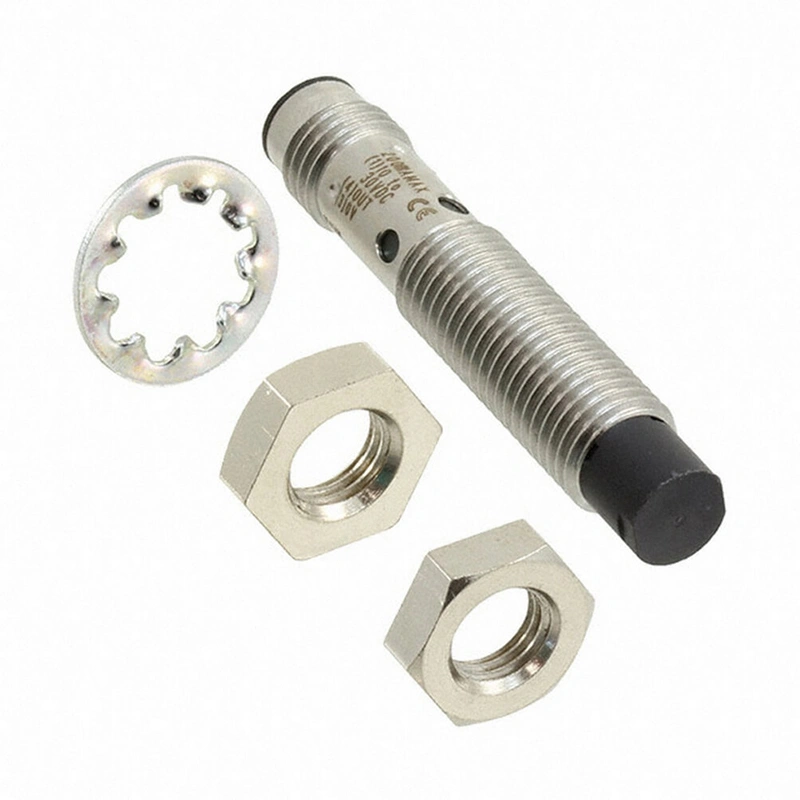
Inductive Proximity Sensors
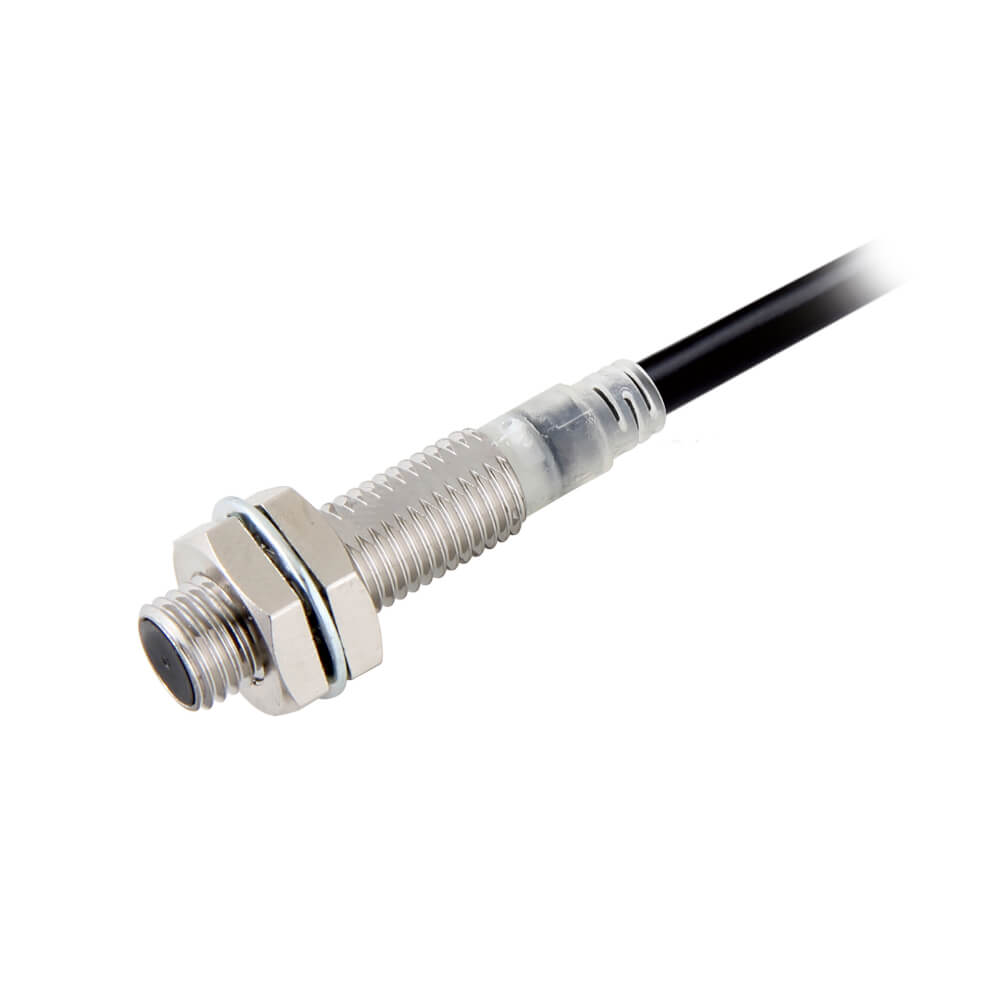
Inductive sensors work only with metal objects, making them essential in manufacturing. Their mechanism relies on electromagnetic induction:
- Coil Activation: An oscillating current flows through a copper coil, creating a high-frequency magnetic field (10kHz–1MHz).
- Eddy Current Generation: If a metal object enters the field, it induces eddy currents (tiny electrical loops) in the metal. These currents create their own magnetic field, opposing the sensor’s field.
- Field Distortion: The sensor detects the weakened magnetic field. The closer the metal, the stronger the distortion.
- Trigger: When distortion exceeds a threshold, the sensor activates (e.g., counting metal parts on an assembly line).
Inductive sensors are rugged—resistant to oil, dust, and vibration—making them ideal for factory floors.
The Role of Calibration in Sensor Accuracy
For a proximity sensor to work reliably, it must be calibrated to its environment. Calibration sets two key parameters:
- Detection Range: The maximum distance at which the sensor will trigger (e.g., 3cm for a phone sensor).
- Threshold Level: The minimum signal strength needed to register an object (prevents false triggers from dust or small particles).
Calibration is often done during manufacturing, but some sensors let users adjust settings. For example:
- Industrial sensors may have a potentiometer to tweak range.
- Smartphone apps (like “Proximity Sensor Test”) let users recalibrate glitchy IR sensors.
Real-World Examples of Proximity Sensor Workflows
To understand how sensors function in daily life, let’s trace their steps in common devices:
Smartphone During a Call
- You lift the phone to your face.
- The IR transmitter emits a 940nm infrared beam.
- Your face reflects the beam back to the IR receiver.
- The receiver sends a strong electrical signal to the processor.
- The processor recognizes the signal exceeds the threshold (set for 2cm distance).
- It sends a command to the phone’s OS, dimming the screen and disabling touch input.
- When you pull the phone away, the reflected signal drops below the threshold, and the screen lights up.
Car Parking Sensor
- You shift into reverse, activating ultrasonic sensors in the bumper.
- Each sensor emits 40kHz sound waves.
- Waves hit a wall 1 meter away and reflect back.
- The receiver detects the waves 5.88 milliseconds later (since sound travels at 343m/s: time = (2×1m)/343m/s ≈ 0.00588s).
- The processor calculates distance (1m) and triggers a beep. Closer objects (e.g., 30cm) trigger faster, louder beeps.
Factors That Affect Proximity Sensor Performance
While proximity sensors are reliable, certain conditions can interfere with their accuracy:
- Object Surface: Shiny surfaces (like metal) reflect more IR/ultrasonic energy than matte surfaces (like fabric), sometimes causing over-detection.
- Environmental Noise: Sunlight (for IR), rain (for ultrasonic), or electromagnetic fields (for inductive) can create false signals.
- Temperature: Cold air slows sound waves (reducing ultrasonic sensor range), while heat can weaken IR LED output.
- Dust or Moisture: Particles in the air scatter IR/ultrasonic waves, reducing signal strength.
Engineers counter these issues with features like:
- Signal Filtering: Ignoring signals that don’t match the transmitter’s frequency.
- Temperature Compensation: Adjusting calculations based on ambient temperature (e.g., ultrasonic sensors updating sound speed).
- Dual Sensors: Using two receivers to cross-verify signals (common in industrial settings).
Conclusion
Proximity sensors are marvels of miniaturized engineering, turning physics into practical action. Whether using infrared light, sound waves, or electric fields, they all follow the same core principle: emit energy, detect reflections, and act on changes. From keeping your phone screen off during calls to preventing factory accidents, their ability to “sense” without touching makes them indispensable in our connected world.
How to Test a Proximity Sensor
How to Turn Off a Proximity Sensor
Related Article

Brushless DC (BLDC) motors are widely used in EVs, drones, industrial machinery, and robotics for their efficiency and long lifespan. Unlike brushed motors—where reversing direction only requires swapping power leads—BLDC motors rely on electronic commutation, making direction reversal more nuanced.
How to Reverse Direction in Brushless Motors
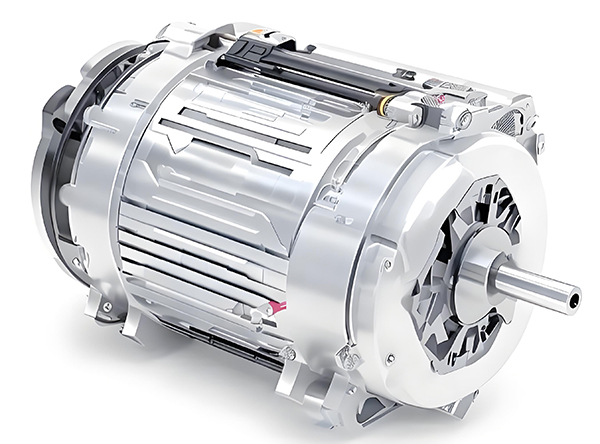
Brushed and brushless DC motors are two of the most common electric motor designs, powering everything from toys to electric vehicles. While both convert electrical energy to mechanical motion, their internal structures, performance, and use cases differ drastically.
What’s the Difference Between a Brushed and Brushless Motor
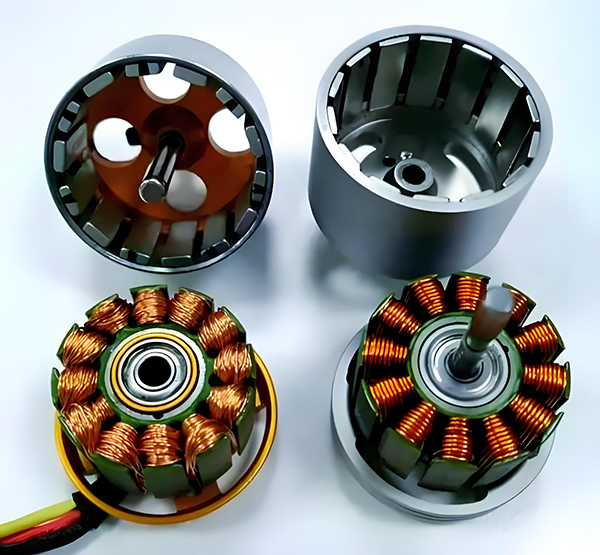
Brushed DC motors are reliable, but wear and tear over time can lead to failure. Whether you’re troubleshooting a power tool, household appliance, or industrial conveyor motor, knowing the signs of a bad brushed motor saves time and prevents further damage.
How to Know If a Brushed Motor Is Bad
